FanExtra Network

Hundreds of masterful tutorials, thousands of resources:

Join Today! (Just $9 per month)
  • icon-tutorial-thumb200

    Members Area Tutorial: How to Create an Old TV Illustrated Icon

    Added: January 2nd

  • girlthumb200

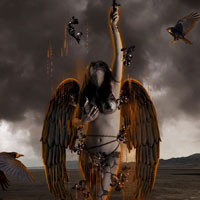
    Photo Manipulate an Angel Rising From Hell Scene

    Added: January 1st

  • matte-painting-thumbnail

    Members Area Tutorial: Learn How to Produce an Elaborate Matte Painting

    Added: December 26th

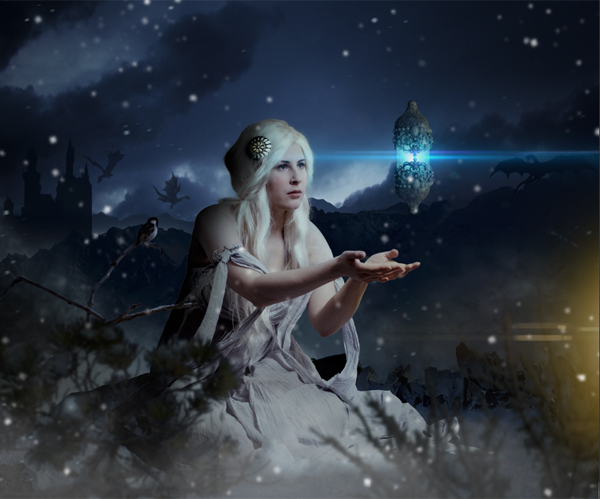
  • snowprincessthumb200

    Members Area Tutorial: Create a Beautiful Snow Queen Photo Manipulation

    Added: December 19th

  • simplelifethumb200

    Members Area Tutorial: Create the Colorful and Creative Photo Manipulation “Simple Life”

    Added: December 12th

  • fallen_angel_thumbnail

    Wallpaper Set: Fallen Angel

    Added: December 8th

  • fallen_angel_thumbnail

    Members Area Tutorial: Create an Emotive Fallen Angel With a Disintegrating Wing Effect

    Added: December 5th

  • digitalphotomanipulationthumb200

    Create an Emotional Dreamscape Digital Photo Manipulation

    Added: December 3rd

  • fanextranetworkthumb200

    FanExtra Relaunch Survey (Help to Shape YOUR Experience)

    Added: December 1st

  • MagicDesertthumb200

    Members Area Tutorial: Photo Manipulate a Magical Desert Scene

    Added: November 28th

  • photoshop-dream-thumbnail

    Members Area Tutorial: Photoshop a Medieval Dream Scene

    Added: November 21st

  • metalthumb200

    Quick Tutorial: Create a Realistic Metal Text Effect Using Layer Styles

    Added: November 16th

  • grasssofathumb200

    Members Area Tutorial: Photo Manipulate a Nature Inspired Advertisement

    Added: November 14th

  • portcasethumb200

    Members Area Tutorial: Create a Suitcase Portfolio Illustration in Photoshop

    Added: November 7th

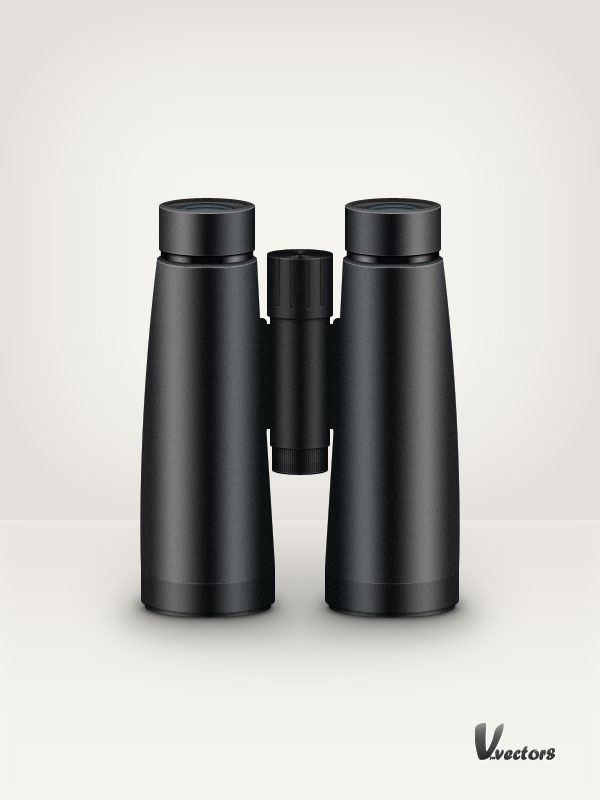
  • binocularsthumb200

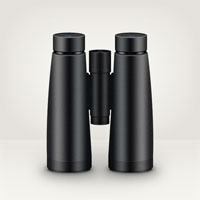
    Draw a Binoculars Illustration in Photoshop

    Added: November 5th

  • ghostlythumb200

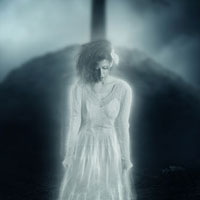
    Members Area Tutorial: Create A Dark Ghostly Scene Photo Manipulation

    Added: November 2nd

What's in the Members Area:

All of our members files are super high quality. Even better, we're adding
new files constantly!

  • 278 Tutorial Source Files
  • 122 Advanced Tutorials
  • 431 Vector Designs
  • 331 Quality Icon Sets
  • 432 High-Res Textures
  • 479 High-Res Brushes
  • 6 Designer Discounts
  • 36 Photoshop Patterns

Why not check out individual items?      |      Or Sign Up Today!

What Our Members Are Saying:

We love what we're doing here at FanExtra, but don't take our word for it! Here is what some of our members think of the service:

  • Chris Spooner (Blog.SpoonGraphics & Line25)

    “The FanExtra members area is a gold mine for both rookie and veteran designers. It’s packed with super useful resources and a wealth of high quality members only tutorials to help you continue to develop and improve your skills.”

  • Mare Downs (The Seibel Group)

    “PSDFan.com and Fanextra.com are awesome sites for resources & tutorials! All designers should have this as an arsenal for their design goodies!!! Great job on sharing with the design community all your goodness!”

  • Ken Edgar

    “I have thoroughly enjoyed the resources available at FanExtra. It’s clean and easy to navigate and as an enthusiastic Digital Artist I find the tutorials to be of a standard higher than anything else on the web.”

  • Su Hall

    “FanExtra is the easiest to navigate members area I’ve experienced! I love anything for or about Photoshop, but I love it even better when I can access it quickly and easily. Thanks, guys! Thanks for thinking of me!”