FanExtra Network

Hundreds of masterful tutorials, thousands of resources:

Join Today! (Just $9 per month)
  • spacestationthumb200

    Members Area Tutorial: Photo Manipulate a Complex Space Station Scene

    Added: August 22nd

  • lighterthumb200

    How to Create a Lighter Illustration from Scratch in Photoshop

    Added: August 20th

  • 3dgoldtextthumb200

    Create a Polished 3D Gold Bars Text Effect

    Added: August 17th

  • watchingassassinthumb200

    Members Area Tutorial: Create a Stunningly Detailed Matte Painting Landscape

    Added: August 14th

  • lostchurchthumb200

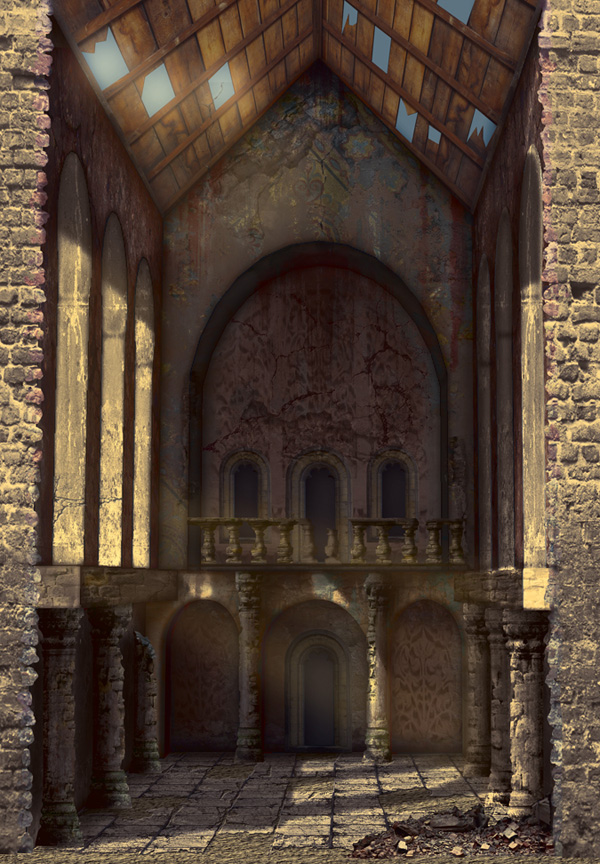
    Members Area Tutorial: Create an Advanced 3D Matte Painting Using Sketchup and Photoshop (Part 2)

    Added: August 10th

  • lostchurchthumb200

    Members Area Tutorial: Create an Advanced 3D Matte Painting Using Sketchup and Photoshop (Part 1)

    Added: August 8th

  • girlhangthumb200

    Photo Manipulate a Complex Surrogate Scene

    Added: August 6th

  • paintingyourfurythumb200

    Artist Breakdown #4. José Reis: Painting Your Fury (Source File Available)

    Added: August 3rd

  • magicrosethumb200

    Members Area Tutorial: Create the Emotive Photo Manipulation ‘Magical Rose’

    Added: August 1st

  • GraphBrochurethumb200

    Design a Print Ready, Graph Inspired Brochure in Photoshop

    Added: July 30th

  • redthumb200

    Learn How to Design a Charming Collage Composition

    Added: July 27th

  • litpriestthumb200

    Members Area Tutorial: Create a Dark Photo Manipulation Using Photoshop CS6 New Features

    Added: July 25th

  • mushroomhousethumb200

    Members Area Tutorial: Create A Fantasy Mushroom House Photo Manipulation

    Added: July 18th

  • clearstylethumb200

    Create an Advanced Reflective Clear Layer Style in Photoshop

    Added: July 16th

  • boythumb200

    Create a Dark, Atmospheric Photo Manipulation

    Added: July 13th

  • dreamingthumb200

    Members Area Tutorial: Photo Manipulate the Surreal Composition ‘Daydream’

    Added: July 11th

What's in the Members Area:

All of our members files are super high quality. Even better, we're adding
new files constantly!

  • 278 Tutorial Source Files
  • 122 Advanced Tutorials
  • 431 Vector Designs
  • 331 Quality Icon Sets
  • 432 High-Res Textures
  • 479 High-Res Brushes
  • 6 Designer Discounts
  • 36 Photoshop Patterns

Why not check out individual items?      |      Or Sign Up Today!

What Our Members Are Saying:

We love what we're doing here at FanExtra, but don't take our word for it! Here is what some of our members think of the service:

  • Chris Spooner (Blog.SpoonGraphics & Line25)

    “The FanExtra members area is a gold mine for both rookie and veteran designers. It’s packed with super useful resources and a wealth of high quality members only tutorials to help you continue to develop and improve your skills.”

  • Mare Downs (The Seibel Group)

    “PSDFan.com and Fanextra.com are awesome sites for resources & tutorials! All designers should have this as an arsenal for their design goodies!!! Great job on sharing with the design community all your goodness!”

  • Ken Edgar

    “I have thoroughly enjoyed the resources available at FanExtra. It’s clean and easy to navigate and as an enthusiastic Digital Artist I find the tutorials to be of a standard higher than anything else on the web.”

  • Su Hall

    “FanExtra is the easiest to navigate members area I’ve experienced! I love anything for or about Photoshop, but I love it even better when I can access it quickly and easily. Thanks, guys! Thanks for thinking of me!”